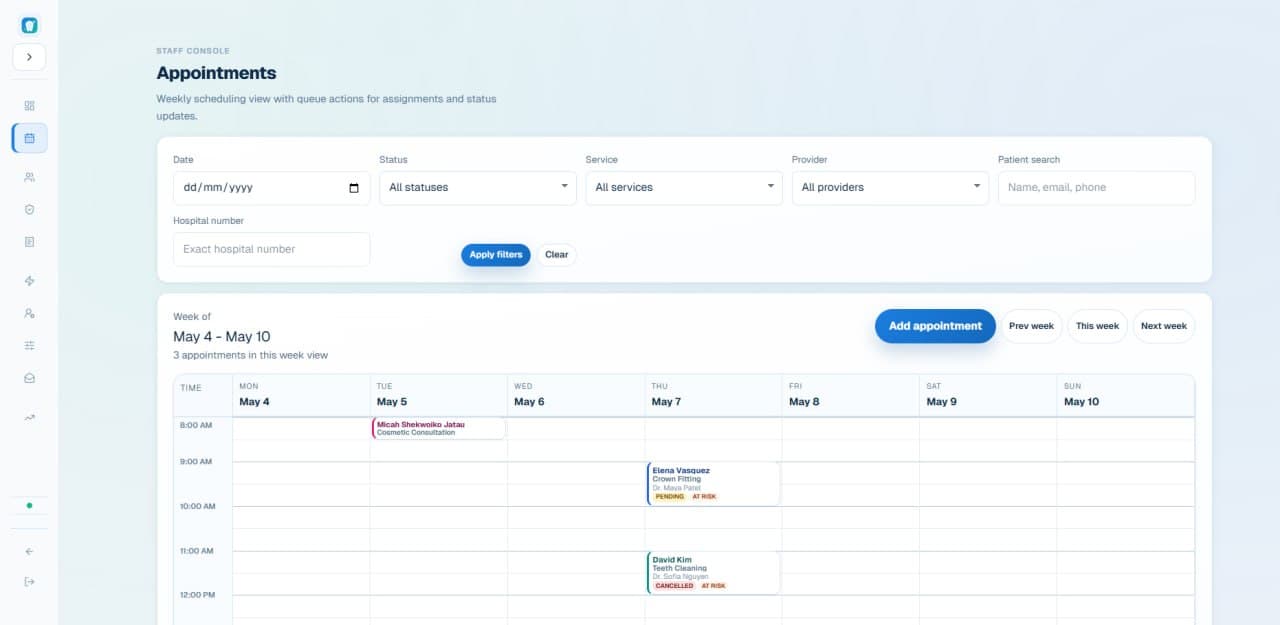
Front-Desk Orchestration for Modern Clinics
ClinicRelay is a front-desk orchestration platform for modern clinics. We help clinics coordinate bookings and clinic scheduling, reduce missed appointments, recover cancelled slots, and keep patient communication moving without adding more admin burden.
Prefer email? hello@clinicrelay.co
Built for modern clinics that need scheduling, patient communication, and front-desk coordination in one place
Cancelled Slot Detected
Dr. Patel — 2:30 PM Thursday
Eligible Patient Matched
3 candidates identified
Recovery Offer Routed
Recovery message prepared and routed
Patient Reply Captured
"Yes, I can make it!"
Staff Confirms Refill
Confirmed in 4 minutes
The Problem
By the time someone calls through the waitlist and a patient says yes, that window is gone. It's not a staffing problem — it's a process one.
Confirmations, change requests, coverage calls, recalls — all landing at the same desk, at the same time, with the same two people.
You lose the revenue. You still pay overhead. And the next patient on your waitlist never heard from anyone.
They're due for a follow-up or a preventive visit, but the list doesn't surface them until it's been six months too long.
Your staff finds out something's wrong with a patient's coverage while they're standing at the desk. At that point, everyone's day gets harder.
Phone calls. Texts. Emails. Voicemails. Nothing connects. Patients repeat themselves. Staff keep notes only they can find.
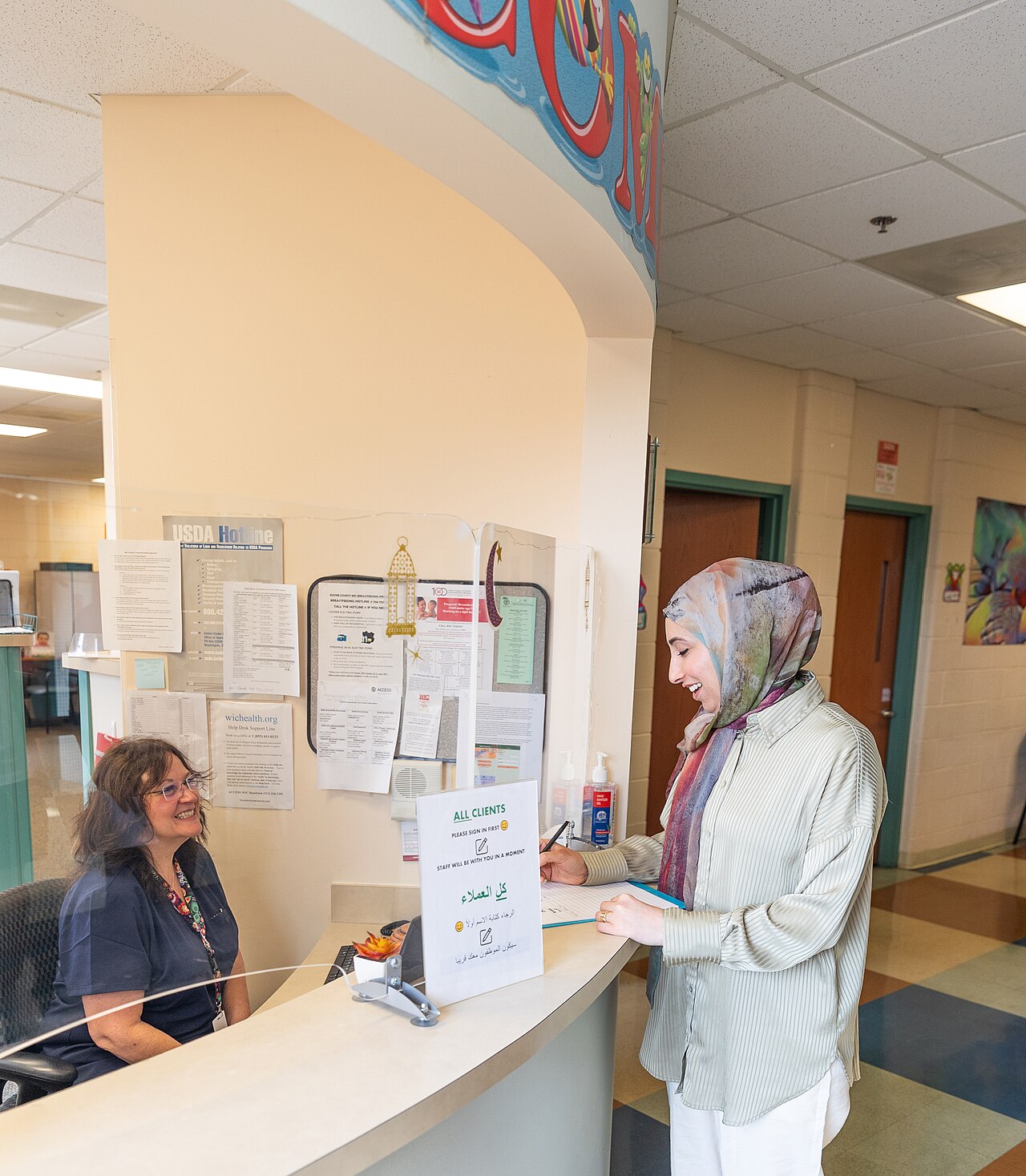
Capacity leak
During check-in
Capacity drains quietly when every new desk task pushes recovery work further out of view.
Our Point of View
Patients can find your clinic online. They can book appointments, fill intake forms, and receive reminders. That infrastructure is increasingly common.
What it does not do is coordinate what happens inside your practice — when a confirmed appointment cancels, when a waitlisted patient needs to be reached, when missed appointments start to stack up, or when patient communication gets stuck between tasks.
ClinicRelay is built for that gap. Not the website. Not the booking widget. The front-desk work that keeps schedules moving, cancelled-slot recovery active, and front-desk chaos from becoming the default.
Waitlist Recovery
01
A confirmed appointment is cancelled — ClinicRelay detects it immediately.
02
Eligible patients are ranked by proximity, service match, and last contact.
03
A personalized message is prepared or sent based on your clinic workflow rules.
04
Patient responses are parsed and routed to your front desk for a one-click confirm.
05
The appointment is confirmed and the schedule is updated. The cycle closes.
Recovery Panel
Open Slot — Dr. Patel
Thursday 2:30 PM · Preventive Care · 45 min
Rangi T.
High — due for recall, lives nearby
Soha M.
Medium — flexible schedule
Dev K.
Medium — cancelled last month
Rangi T. replied: "Yes, I can make it!"
Slot confirmed — 4 minutes after cancellation.
Pre-Visit Readiness
ClinicRelay helps staff see insurance gaps, intake blockers, and unresolved requests before appointment day — so walk-in surprises stay rare.
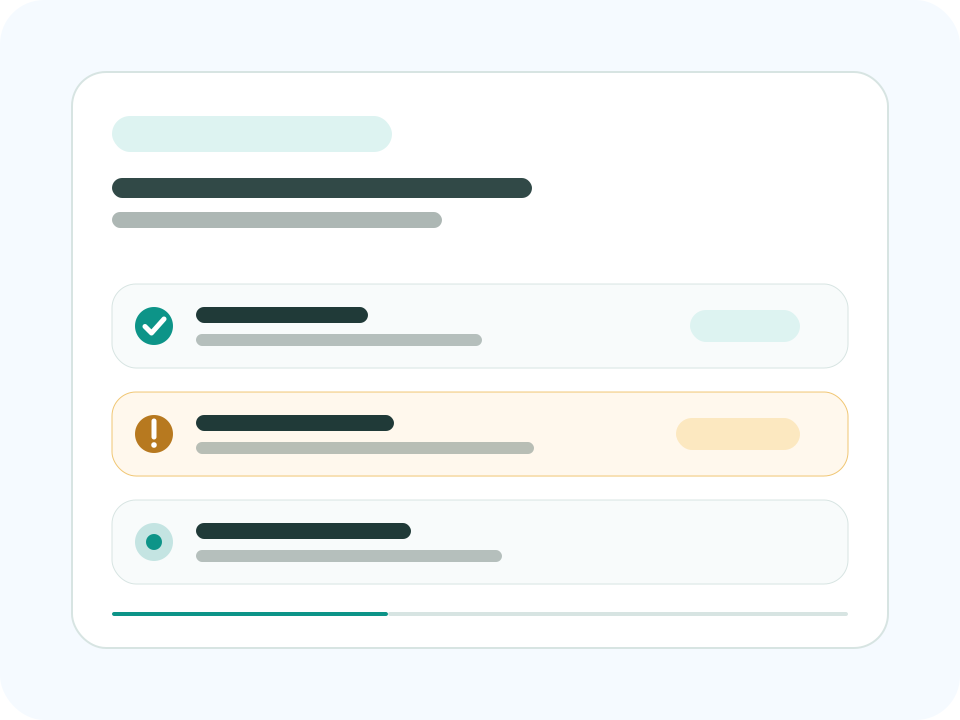
Patients upload coverage details early. Your staff sees what needs review before check-in — not during it.
Pre-visit intake items show up in the staff queue so nothing falls through the cracks on a packed morning.
Treatment estimate requests land in a visible staff queue — not as phone calls that pull someone away from the desk.
Upcoming visits with unresolved insurance or incomplete intake are surfaced early enough to actually do something about it.
How It Works
01
New patient requests land in one queue — sorted by service type, urgency, and who's available — not by whoever happens to pick up first.
02
Appointment windows match to provider schedules and chair availability so nothing gets double-booked and no one has to call back to fix it.
03
Confirmation tasks run on a schedule. Your front desk sees what still needs follow-up — not what got buried in a voicemail inbox.
04
A slot opens. ClinicRelay prepares recovery outreach based on your clinic's workflow rules, matches it to the right patient, and surfaces the next action for staff to confirm. No manual list-diving required.
05
Fill rate, response time, and recall rate — in one place, so you know what's working and where things are quietly falling through.
Capabilities
How patients reach your clinic and how requests enter the workflow.
New patients get matched to the right provider and time slot without your staff playing scheduler-by-phone.
CoreIntake details, appointment status, and requests handled before visit day — so your front desk isn't doing triage at check-in.
Pilot-readyWhen a patient needs to reschedule, it becomes a visible staff task — not a message that gets lost between desk shifts.
CoreNew patients get matched to the right provider and time slot without your staff playing scheduler-by-phone.
CoreIntake details, appointment status, and requests handled before visit day — so your front desk isn't doing triage at check-in.
Pilot-readyWhen a patient needs to reschedule, it becomes a visible staff task — not a message that gets lost between desk shifts.
CoreWhat staff and patients resolve before the visit begins.
Patients submit coverage details early. Your staff sees what needs review before the patient arrives — not while they're standing at the desk.
Pilot-readyPre-visit tasks and cost questions become trackable queue items with a clear owner — not floating in someone's inbox.
Pilot-readyReminders go out early enough that if someone's going to cancel, you know before you've lost the chance to fill the slot.
CorePatients submit coverage details early. Your staff sees what needs review before the patient arrives — not while they're standing at the desk.
Pilot-readyPre-visit tasks and cost questions become trackable queue items with a clear owner — not floating in someone's inbox.
Pilot-readyReminders go out early enough that if someone's going to cancel, you know before you've lost the chance to fill the slot.
CoreHow cancelled capacity gets reclaimed and confirmed.
The instant a cancellation is detected, ClinicRelay starts the recovery workflow — waitlist matching, next staff action, confirmation loop.
CorePatients reply to recovery offers by SMS. Those replies land in the staff queue so replacements get booked — no back-and-forth phone calls.
CoreTrack where each cancellation is in the recovery cycle — from detection to confirmed refill — without chasing your team for status updates.
CoreEvery scheduling decision checks provider availability, service rules, and clinic policies. Your guardrails — not ours.
CoreConfirmations, follow-up tasks, unresolved changes — all in a prioritized queue so nothing gets buried and everyone knows what's next.
CoreRole-based workflow access and full action history so you can see what's happening across your team without hovering.
Pilot-readyThe instant a cancellation is detected, ClinicRelay starts the recovery workflow — waitlist matching, next staff action, confirmation loop.
CorePatients reply to recovery offers by SMS. Those replies land in the staff queue so replacements get booked — no back-and-forth phone calls.
CoreTrack where each cancellation is in the recovery cycle — from detection to confirmed refill — without chasing your team for status updates.
CoreEvery scheduling decision checks provider availability, service rules, and clinic policies. Your guardrails — not ours.
CoreConfirmations, follow-up tasks, unresolved changes — all in a prioritized queue so nothing gets buried and everyone knows what's next.
CoreRole-based workflow access and full action history so you can see what's happening across your team without hovering.
Pilot-readyUse Cases
Fill hygiene cancellations same-day. Surface recall opportunities for preventive appointments. Reduce no-shows for high-value procedures.

Dental clinic workflow
Trust & Compliance
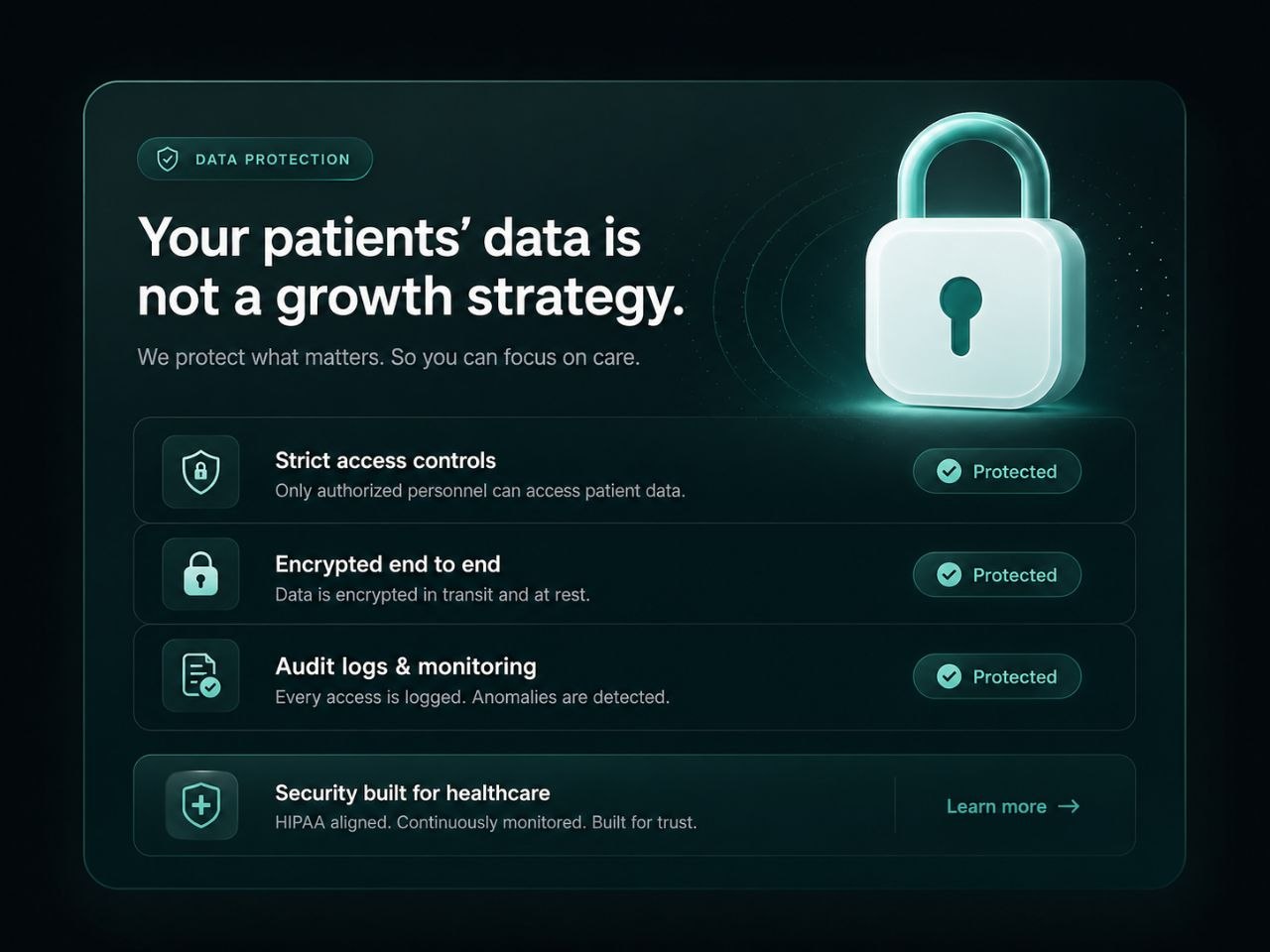
ClinicRelay doesn't replace your team or make decisions for them. It gives staff a cleaner queue for the work they're already doing — recovery outreach, confirmations, follow-up — without adding a new system to learn.
The system collects scheduling and coordination data — nothing more. We're not building a patient profile. We're helping keep your calendar full.
Every recovery action stays within the service, provider, and scheduling boundaries you've set. Your staff doesn't have to second-guess what's allowed.
Every action has a status, an owner, and a history. When something needs review, you can see exactly what happened — and who confirmed it.
Every rollout starts with a focused pilot. You see what it does in your clinic before we talk about expanding anything.
"You cannot improve what your front desk cannot see."
Track
Every cancelled slot and where it sits in the recovery cycle
Measure
Waitlist offers sent, replies received, and slots confirmed
Monitor
Pending staff actions and what's been resolved today
Review
Recovery decisions and whether they followed clinic rules
Compare
Manual follow-up load before and after the pilot
Improve
Fill rate and recovery speed across each pilot cycle
Pricing
Start with a workflow audit, launch a focused recovery pilot, and scale only after you've proven the ROI.
Find out exactly where your clinic is losing revenue — and what to fix first.
Get a real waitlist-recovery system running in your clinic, with a team that makes sure it works.
Once the pilot proves the numbers, expand to multiple locations with the infrastructure already in place.
FAQ
ClinicRelay can start as a lightweight coordination layer alongside your existing workflow — no deep integration required upfront. Most clinics are up and running within a week. We talk about deeper connections after the pilot proves its worth.
When a cancellation is detected, ClinicRelay identifies eligible waitlist patients, prepares a recovery offer, and either routes it for your team to review first or sends it automatically — depending on how you've set it up. Patient replies come back to your staff queue for a one-click confirm. No chasing required.
No app. SMS handles recovery offers and quick confirmations. When the patient portal is enabled, patients access intake forms and appointment details through a link — no login, no download.
ClinicRelay is built with privacy-aware workflow limits, minimal data collection, and full audit visibility. Formal compliance depends on your clinic's configuration, jurisdiction, and vendor requirements — we walk through that during your audit.
Yes — by patient, by segment, or by outreach channel. Your team stays in control of who hears from ClinicRelay and how.
Most clinics finish the audit and configuration phase within a week. The 30-day pilot kicks off right after.
If no one responds in time, the slot gets flagged in your dashboard for manual follow-up. ClinicRelay never quietly gives up on a recovery attempt.
Yes. The Scale-Up tier supports multi-location groups with a unified dashboard, per-location configuration, and consolidated reporting.
A structured call covering slot fill rate, recall conversion, response times, and workflow tweaks. You get a written summary within 24 hours.
ClinicRelay is built for appointment-based clinics — it understands schedules, waitlists, recall cycles, and cancellation patterns. A generic CRM doesn't. Getting one to do what ClinicRelay does out of the box takes months of configuration.
Start with a workflow audit. We'll identify where scheduling, patient communication, and front-desk handoffs are creating front-desk chaos and costing your clinic time, capacity, and calm.
For demo requests and clinic partnerships, email hello@clinicrelay.co. Response within one business day. Pilot-first onboarding.
